

Amazon Seller Central Multi-Channel: Should You Switch?
Amazon Seller Central's new multi-channel management feature lets you manage Walmart, eBay, Shopify, and TikTok from one dashboard. The question every seller asks: does Amazon's native multi-channel solution replace dedicated software like Zentail? The answer: for 90% of independent sellers, yes. For the 10% running complex operations, maybe not.
Over 95% of Amazon's independent sellers already operate on multiple channels. The logistics are brutal: toggle between five dashboards, keep inventory in sync manually (or with a patchwork of automation), hunt through email for orders that landed on platforms you half-forgot you listed on, and watch margin disappear to the complexity tax of managing five separate fulfillment flows.
Amazon Seller Central's multi-channel management feature is designed to solve this exact problem. The announcement changes the math for a lot of sellers because most of what gets talked about as "multi-channel software" was really just a workaround for the fact that Seller Central couldn't see beyond Amazon. Now it can. And because this capability is built directly into Seller Central, the question shifts from "which software should I buy?" to "is Seller Central's multi-channel toolset enough for my operation?"
What Seller Central's Unified Dashboard Actually Does
You connect your Walmart, eBay, Shopify, and TikTok accounts from inside Seller Central. Then:
- Import and link listings: Your Amazon listings get matched to products on the other platforms, or you create new product mappings.
- Unified order view: All orders from all channels appear in one order list. You sort, filter, search across channels.
- Fulfillment from one place: Ship orders from the same fulfillment interface regardless of which channel they came from. Amazon offers both FBA-fulfilled and self-fulfilled routing.
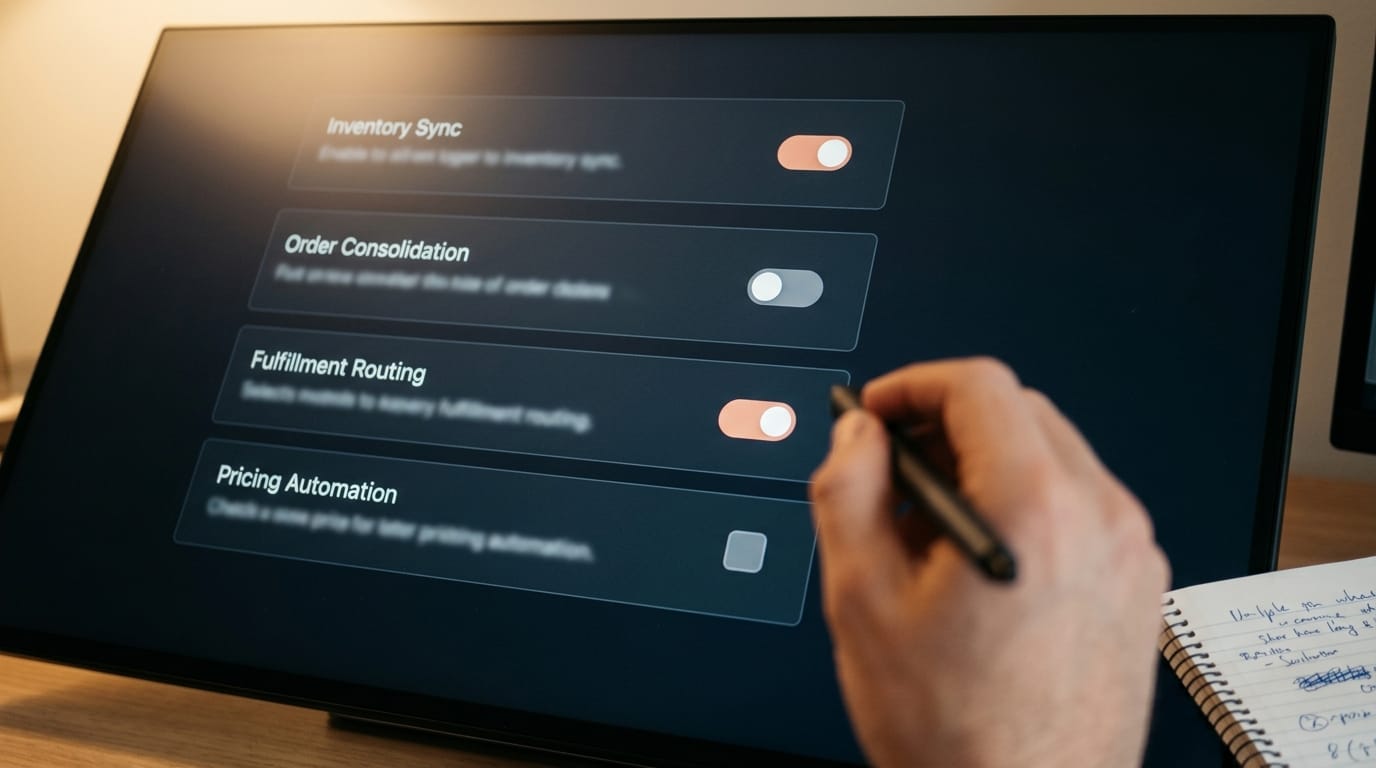
- Inventory sync: Link inventory across channels so a sale on Shopify reduces your Amazon stock in real time, and vice versa.
This is free. It rolls out gradually to US sellers. And it actually works because Amazon built it to slot into the existing Amazon workflow—you are not learning a new UI, you are just seeing more data in the one you already use.
Amazon Seller Central Multi-Channel vs. Dedicated Software
Here is how Seller Central stacks up against dedicated multi-channel platforms like Zentail, Sellasset, and similar tools:
| Feature | Seller Central Unified | Zentail / Sellasset |
|---|---|---|
| Cost | Free | $99–$500+/month depending on tier |
| Connected channels | Amazon, Walmart, eBay, Shopify, TikTok Shop | Typically 8–12 platforms (Amazon, Walmart, eBay, Shopify, Etsy, plus marketplaces) |
| Inventory sync | Real-time across 5 platforms | Real-time across all connected platforms |
| Order consolidation | Unified view, Amazon-optimized sorting | Unified view with custom rules and routing |
| Automation depth | Inventory sync and basic routing | Deep automations: repricing, automated tags, custom workflows |
| Integrations | Limited; Amazon integrations only | Zapier, webhooks, accounting software, custom API |
| Repricing | No | Yes, rules-based repricing across channels |
| Analytics & reporting | Amazon-centric dashboards | Cross-channel reporting and attribution |
| Setup friction | Connect accounts, start selling (minutes) | Account setup, channel configuration, test run (hours to days) |
The missing piece in Seller Central: repricing and deep automation. If you actively manage pricing across channels (Amazon $24.99, Walmart $23.99, eBay $26.99) based on competitor movement, you still need Zentail or similar. Seller Central syncs inventory, not price strategy.
When You Can Drop Your Multi-Channel Software
Most independent sellers should switch to Seller Central's unified dashboard. These are the cases where Amazon Seller Central multi-channel management makes sense:
- You sell primarily on Amazon and 2–3 other platforms. If you're on Amazon, Walmart, Shopify, and maybe eBay, Seller Central handles it.
- You don't do dynamic repricing. You set a price and leave it, or you reprice manually on each platform once a week.
- You're comfortable with Amazon's inventory and order logic. Seller Central's rules are Amazon's rules, and they are pragmatic but not flexible.
- You ship from your own warehouse or co-pack. Self-fulfilled orders on all channels work smoothly. FBA fulfillment for other channels is new and works, but test it on a small subset first.
- You're not running a maze of automation. You're not syncing orders to accounting software, triggering label generation, or running custom routing rules based on margin.
If all of those are true, cancel Zentail. You just saved $99–$500 per month and you got simpler operations. Your dashboard is already open.
When You Need to Keep Your Legacy Platform
Some sellers should stay put. These are edge cases, but they are real:
- You sell on more than five channels and need them all consolidated. Seller Central covers the big five. If you're also on Etsy, Wayfair, Faire, or regional marketplaces, you still need multi-channel software for the full picture.
- You do aggressive dynamic repricing. If competitor prices move and your prices follow automatically, you need a tool that does repricing as its core function. Seller Central is not that tool.
- You run custom automations and integrations. If orders trigger n8n workflows, update your accounting software, or feed a label printer, you need a platform with an API and webhook support. Seller Central's integrations are Amazon-only.
- You need cross-channel profitability reporting. If you need to know which channels are profitable after fulfillment costs, acquisition, and returns, dedicated platforms have this baked in. Seller Central shows revenue, not margin by channel.
Integration With Your Broader Stack
Where this gets interesting is how Seller Central's unified dashboard fits alongside other tools you might already use.
Google Merchant Center: This is separate. You'll still feed Google with your product data through Google's feed integration. Seller Central's unified inventory does not automatically sync to GMC, so you still own the feed quality.
n8n automation: If you're running n8n workflows for inventory adjustments, low-stock alerts, or fulfillment triggers, those still work. But they work on individual platform APIs, not through Seller Central. You can simplify here: if Seller Central is doing your inventory sync, n8n's job gets smaller (fewer manual triggers needed).
Stripe agentic checkout: This is a downstream concern. Seller Central manages the order flow, but Stripe's agentic protocols are on the consumer-facing side. They do not interact. Use both.
Fulfillment and shipping: Self-fulfilled orders from Seller Central integrate with shipping carriers the way Amazon orders do. No change there. If you're using FBA for some channels now, test the cross-channel FBA routing on a small subset before you trust it with inventory.
The Setup Decision Framework
Ask yourself these questions in order:
- Do I sell on Amazon plus 2–4 other platforms (Walmart, eBay, Shopify, TikTok)?
- Do I NOT actively reprice based on competitor data?
- Do I NOT need deep automations or custom integrations?
- Do I ship most orders from my own warehouse (not extensive marketplace fulfillment)?
If you answer yes to all four, switch to Seller Central's unified dashboard immediately. You will save money and reduce complexity.
If you answer no to any of them, evaluate whether the gaps are serious enough to justify keeping your current tool. Most sellers will find the gaps acceptable. Some (aggressive repricers, heavy automation users, multi-channel analysts) will not.
What This Means for Your Consulting Decisions
If you're evaluating your multi-channel readiness, Amazon Seller Central multi-channel management changes the conversation. Three months ago, "multi-channel operations" meant "which software platform do I buy?" Now it means "should I use Seller Central's native tools, or do I have requirements that need a dedicated platform?"
That is a faster, cheaper decision. And for most merchants, the answer is Seller Central.
One real catch: Test FBA fulfillment of orders from other channels before you trust it at scale. Amazon's fulfillment model works well, but adding Walmart or Shopify orders into your FBA flow introduces complexity (order reconciliation, return handling, marketplace-specific rules) that is new. Run it on 10–20% of cross-channel orders for a month before you go all-in.
The Bigger Picture
This is Amazon doing what Amazon does well: taking a common merchant pain point and solving it inside their own platform. Multi-channel software was a workaround for the fact that Seller Central could not see beyond Amazon. Now it can. This move is part of the broader consolidation of AI commerce infrastructure where platforms are absorbing features that once required third-party tools.
For independent sellers doing 90% of their volume on Amazon and 10% across three other platforms, this is the right answer. For the edge cases running complex repricing, deep automation, or selling on eight platforms, the old playbook still works.
The net effect: margins got better for the 95% of sellers who can use it, and that is a good thing.
Not Sure If This Fits Your Stack?
We work with multi-channel sellers to audit their operations and recommend whether Seller Central's tools are enough or whether you need dedicated software. Let's look at your current setup.
Get a Multi-Channel Audit